Universal post-processing without injection.
Built for games where traditional ReShade injection isn't available or desirable. Formerly RobloxShadeHost.
Download from GitHub ReleasesWindows 10 and 11 · macOS and Linux
One installer, a few minutes
 Home
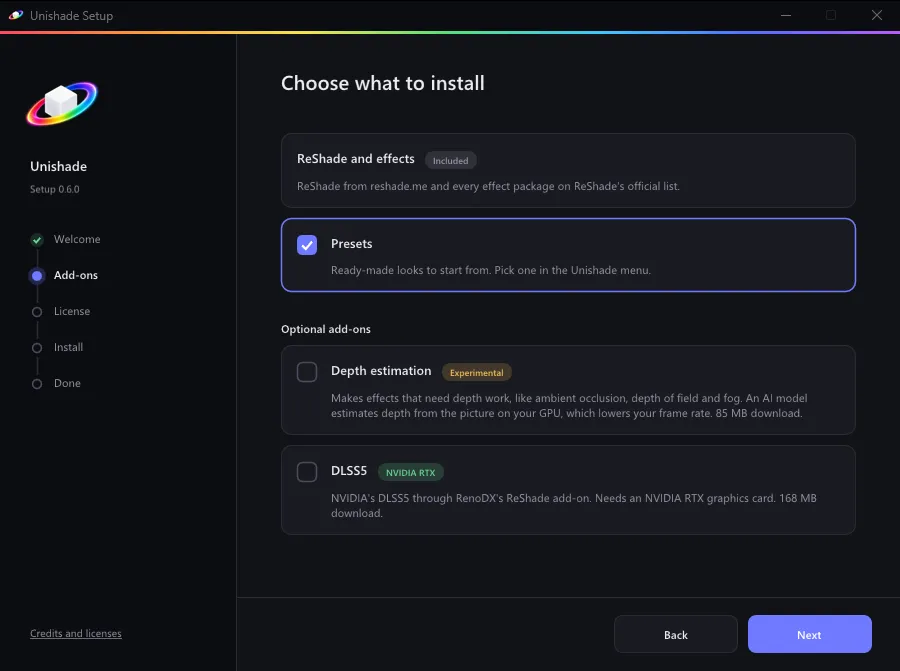
Run Setup and pick your add-ons.
Setup brings ReShade, every official effect and a set of presets. Depth estimation and DLSS5 are there if you want them.
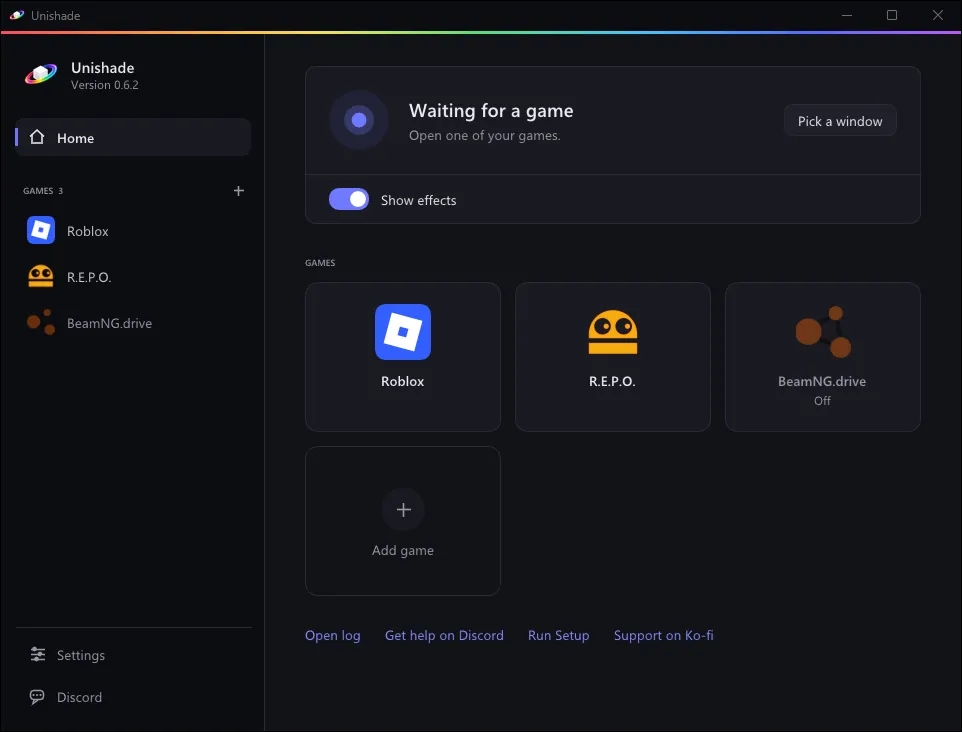
Open your game and add it in Unishade.
Click Add game and pick its window. Next time you play, your effects are already on.
Works with games in windowed or borderless mode.
Press Home in the game.
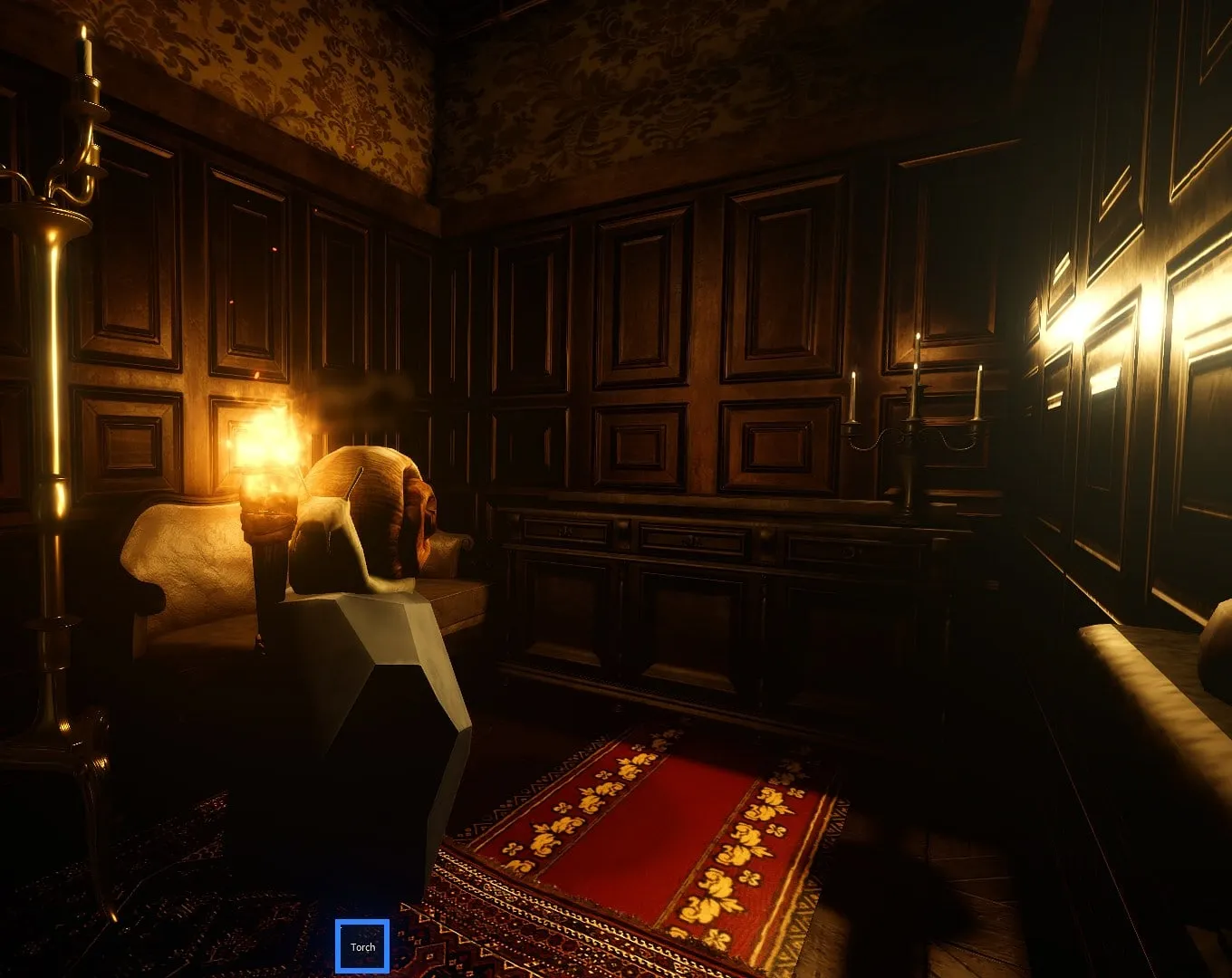
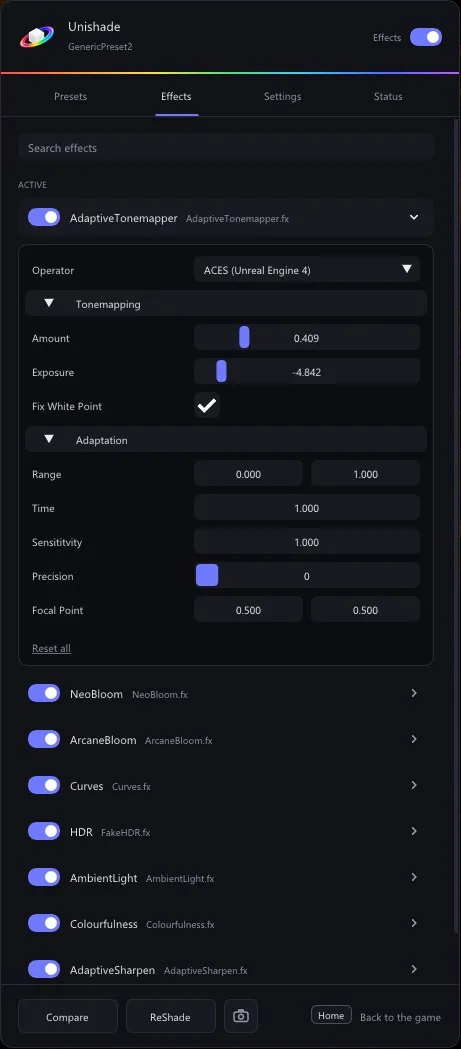
The menu opens right over the game. Switch presets, turn effects on and tweak them while you watch.
- Save your own presets or import shared ones
- Every ReShade effect, searchable
- Hold F7 to compare with the original
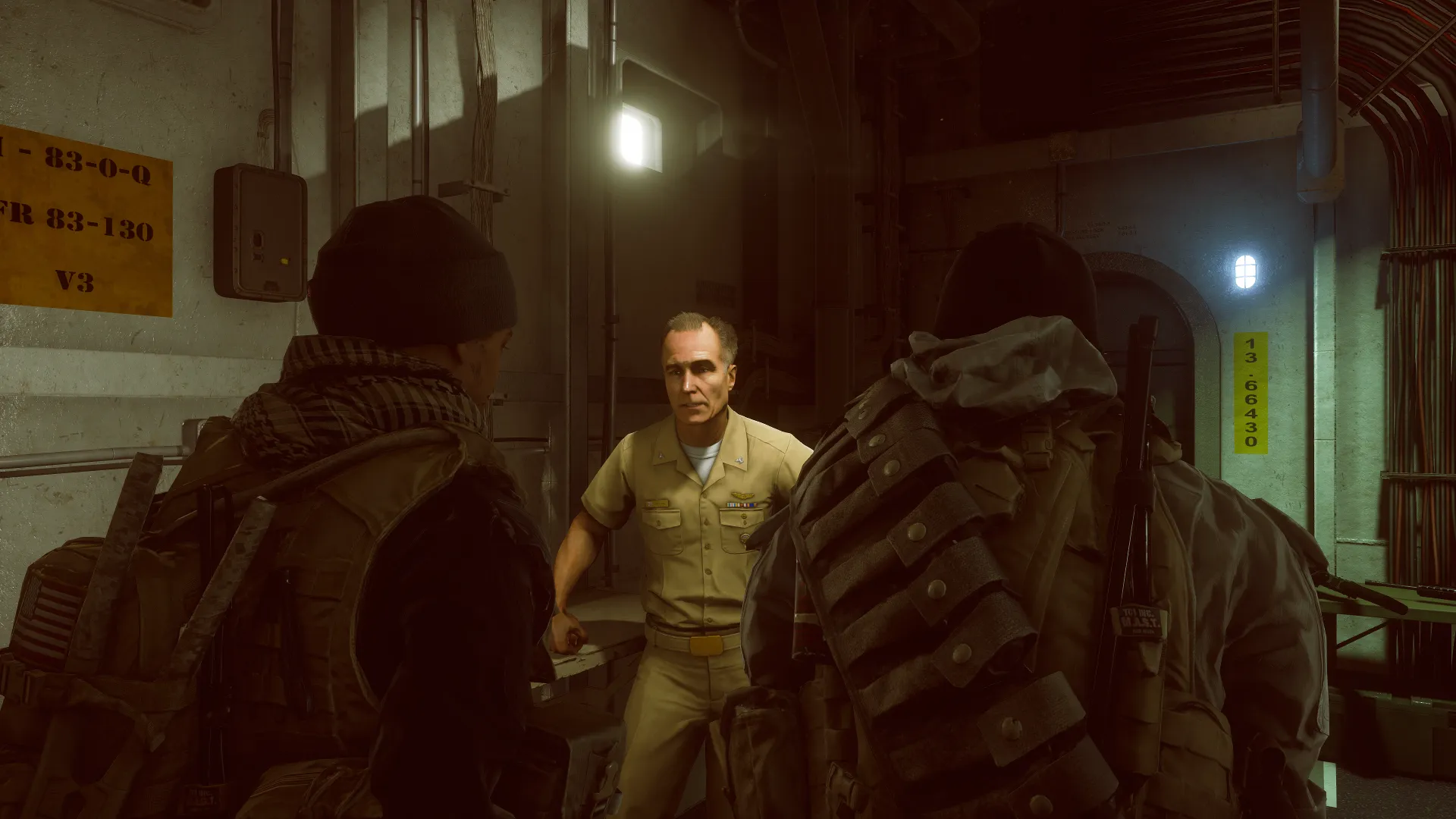
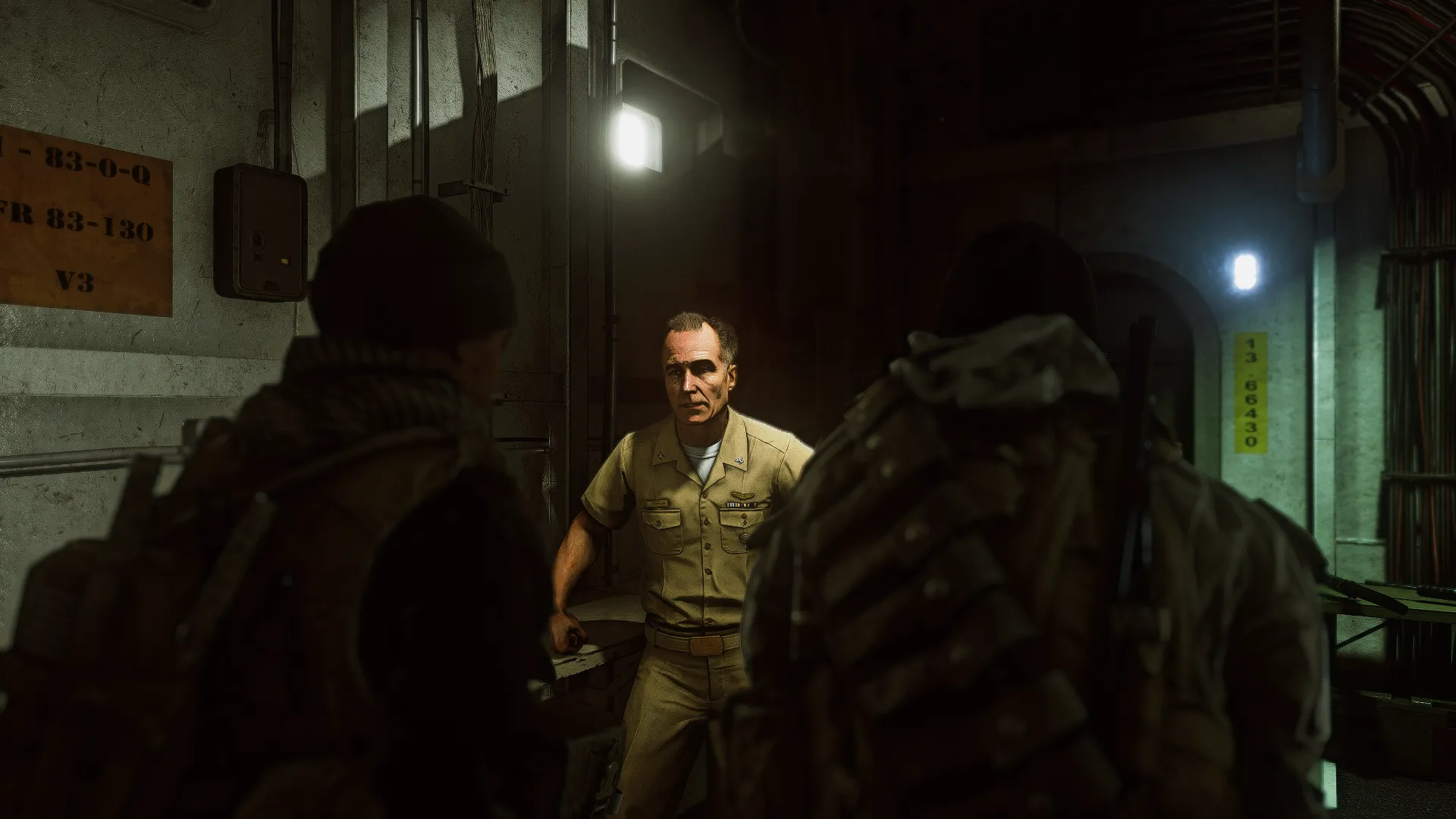
- Before and after screenshots from the same frame
Seen on YouTube
Creators trying DLSS5 in Greenville, Driving Empire and other Roblox games.
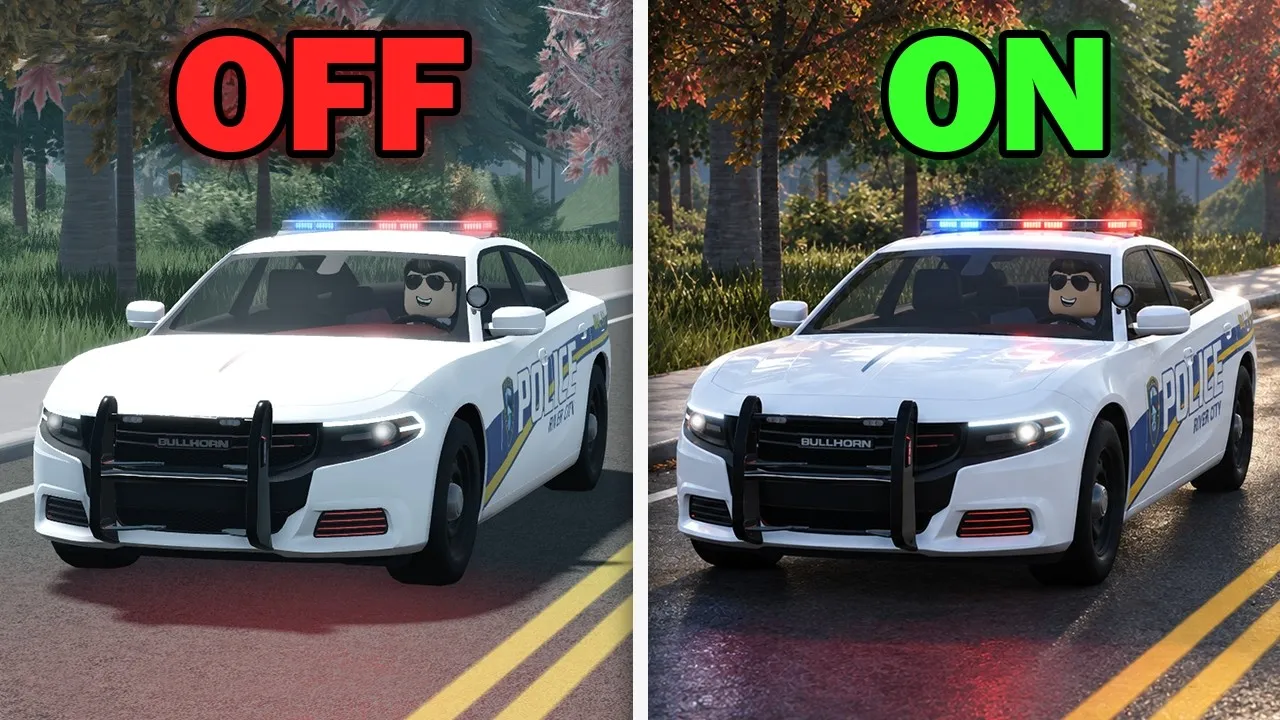 I tested DLSS 5 on ROBLOXOMB Gaming
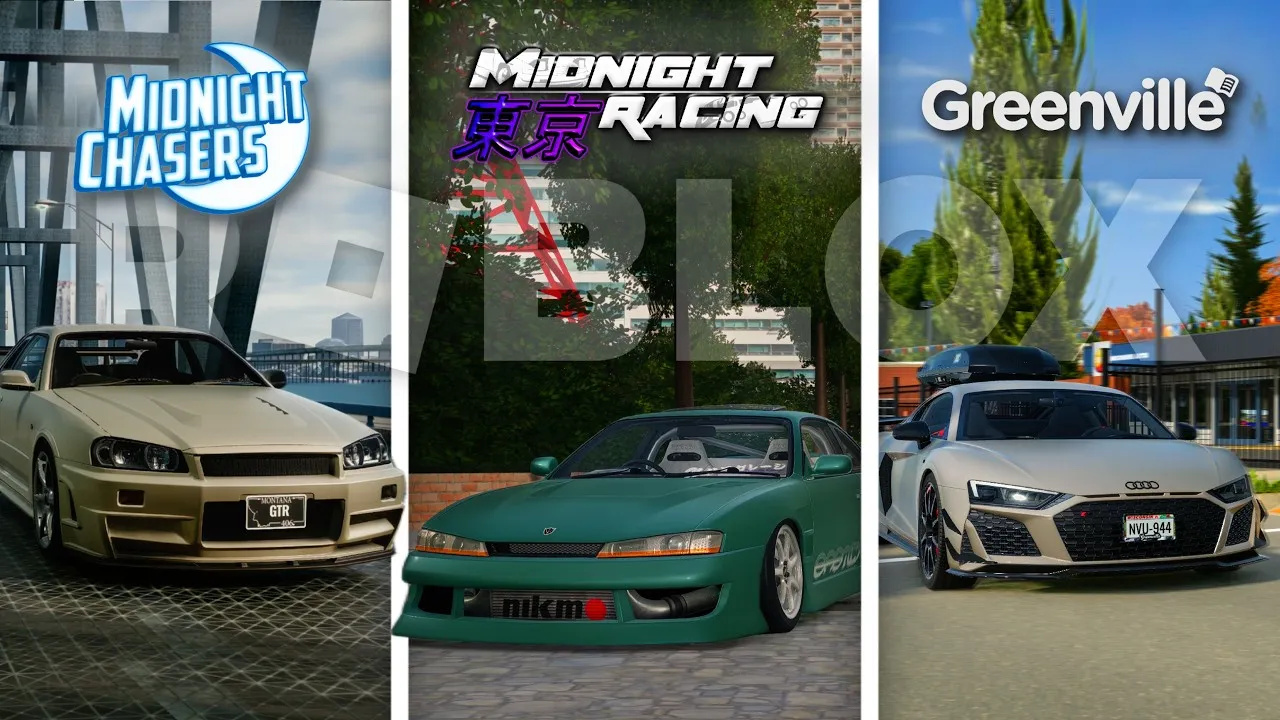 Testing DLSS 5 on ROBLOX Car Games!Acssendh
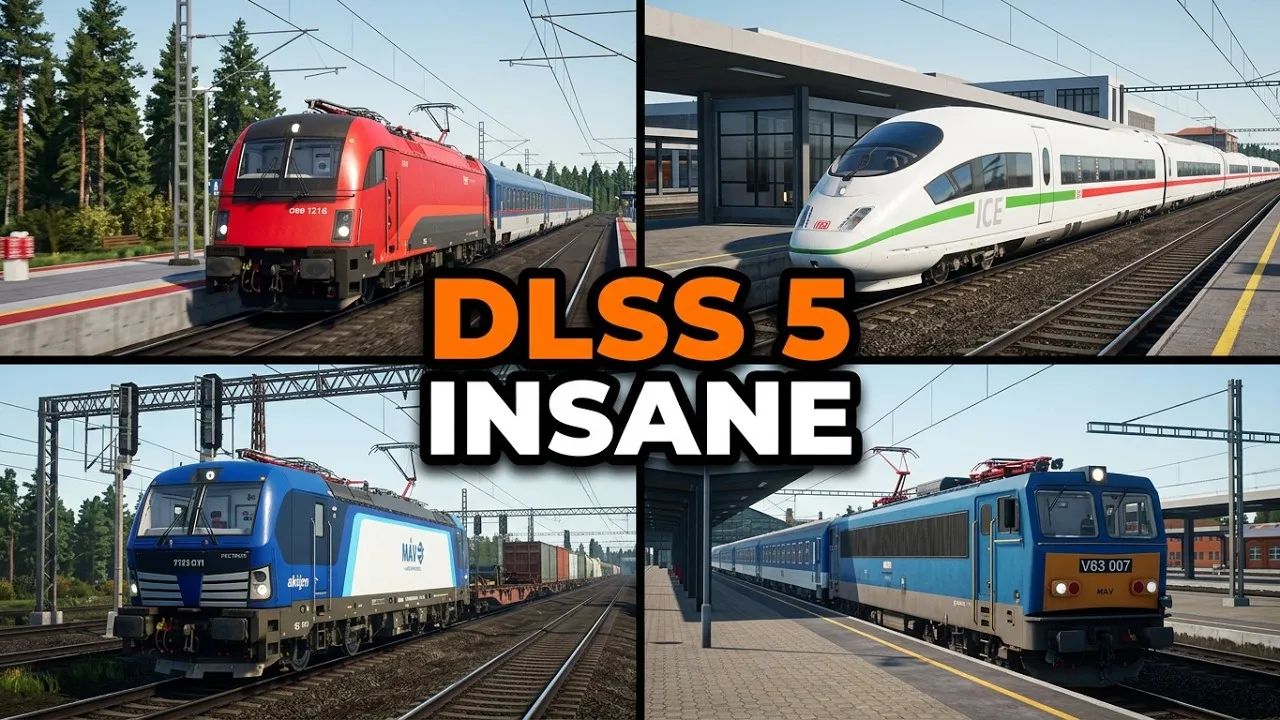 I Tried DLSS 5 In Train Sim... AND IT'S INSANE!Bunny Originals
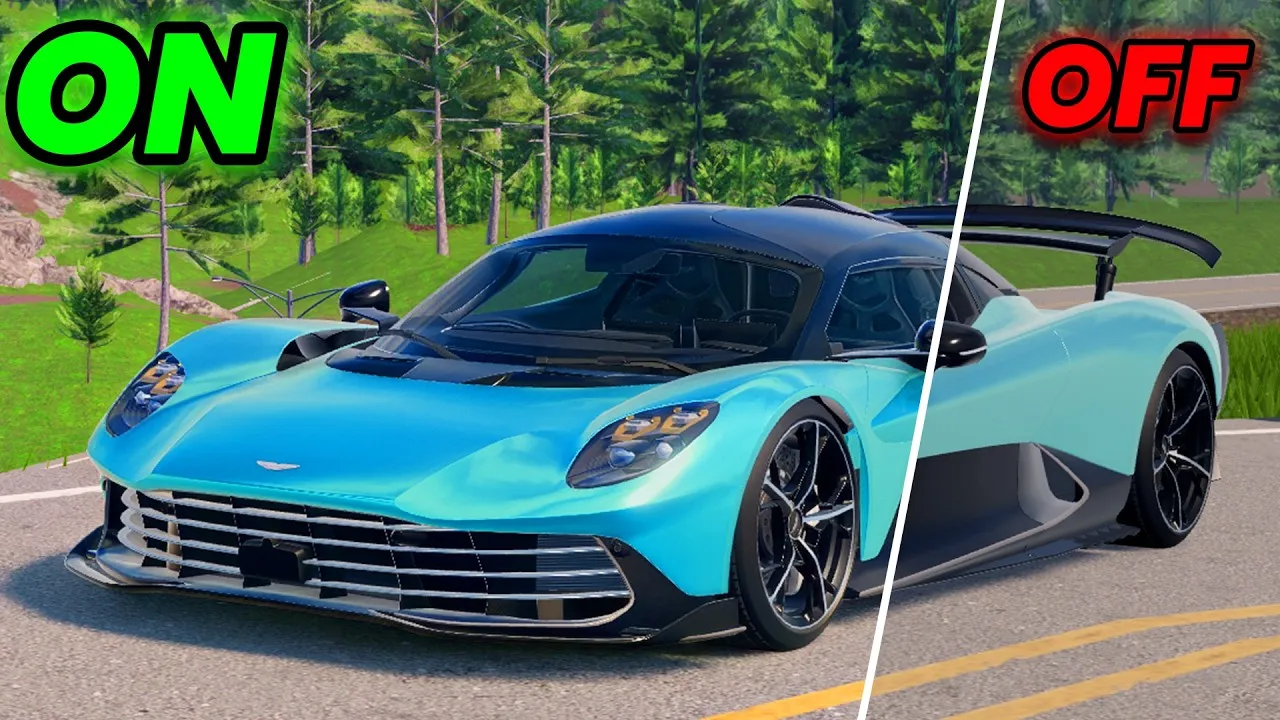 Roblox with DLSS 5 is insane!Dema
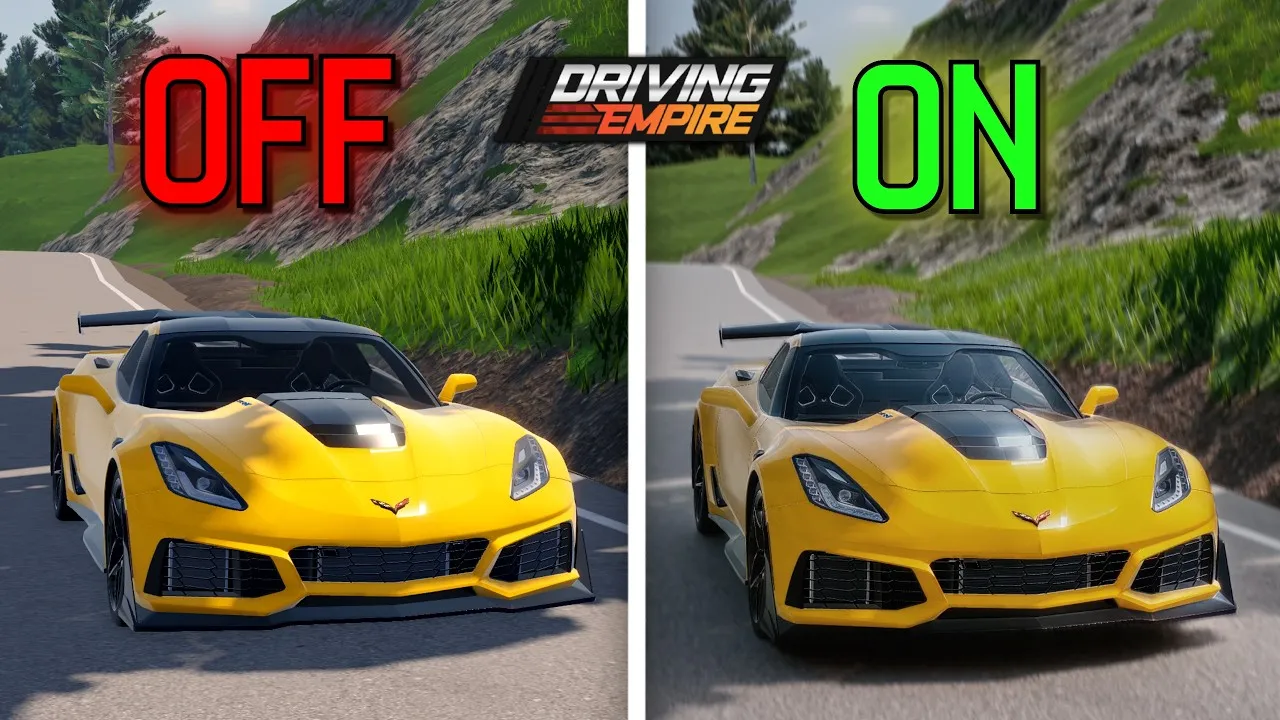 I tested DLSS 5 on Driving Empire!Acssendh
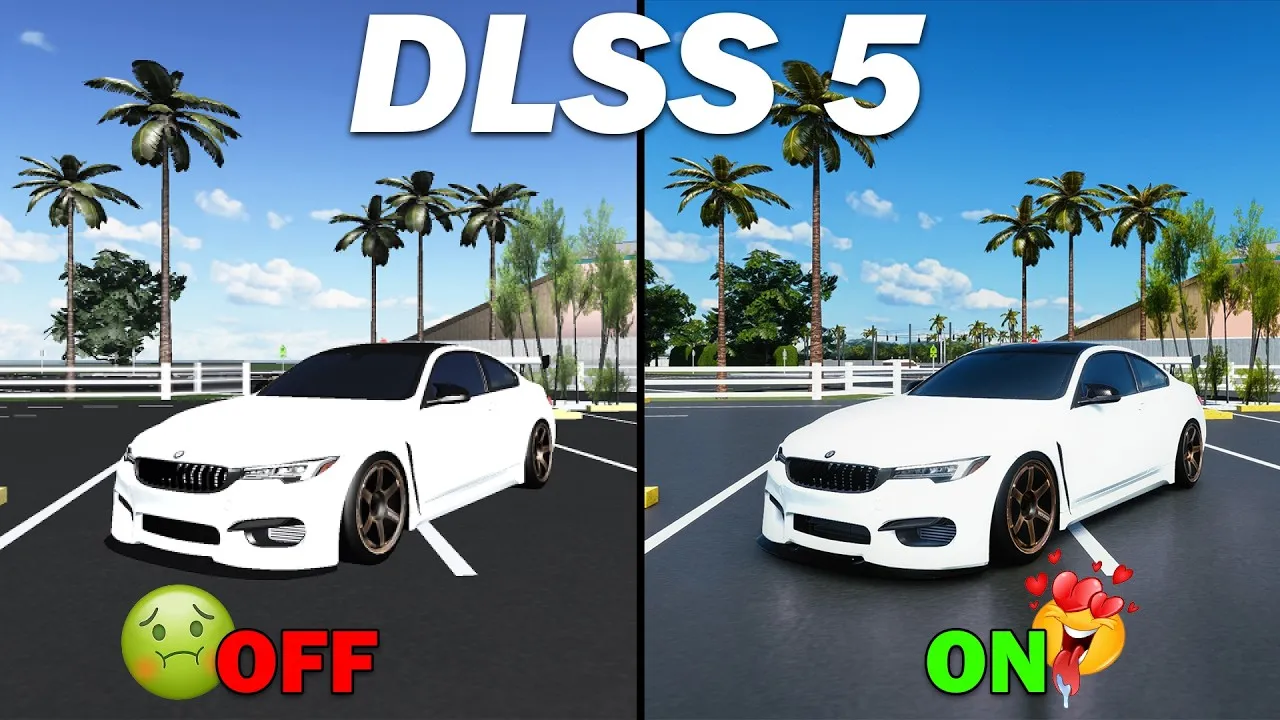 THIS MAKES ROBLOX LOOK LIKE REAL LIFE...th3c0nnman
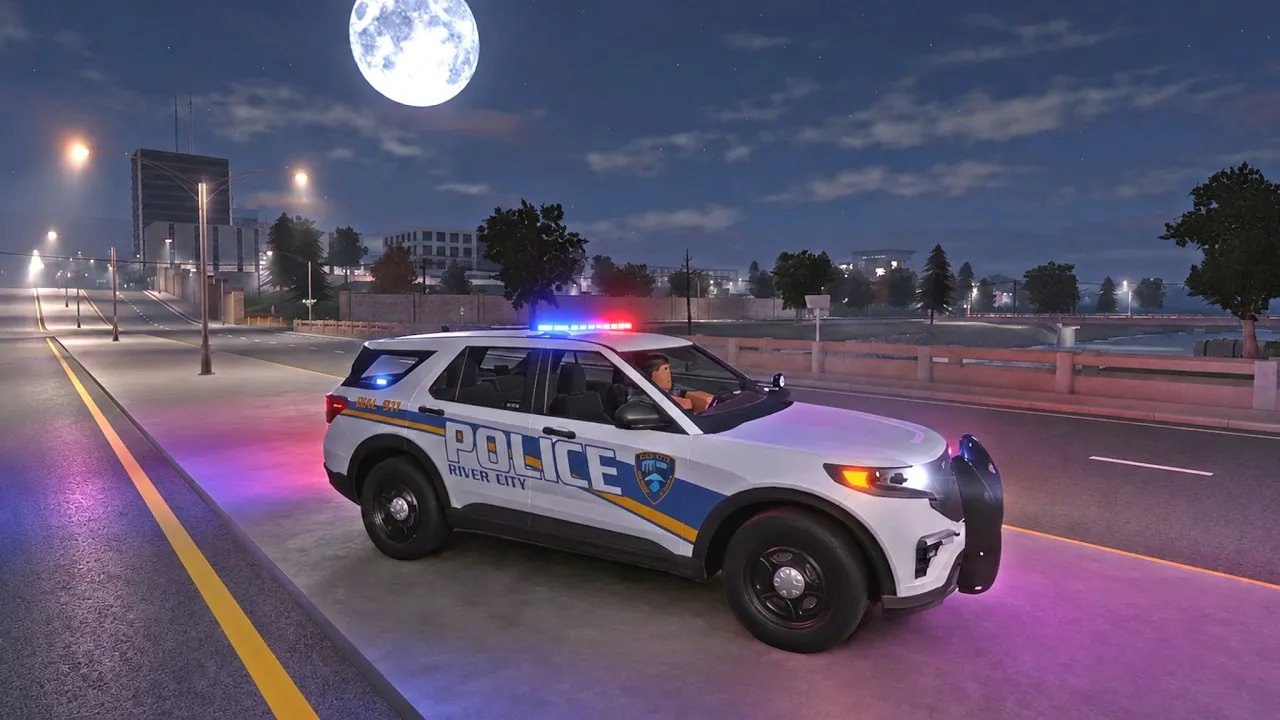 Roblox Has NEVER Been This Realistic Before! (DLSS 5)RP master
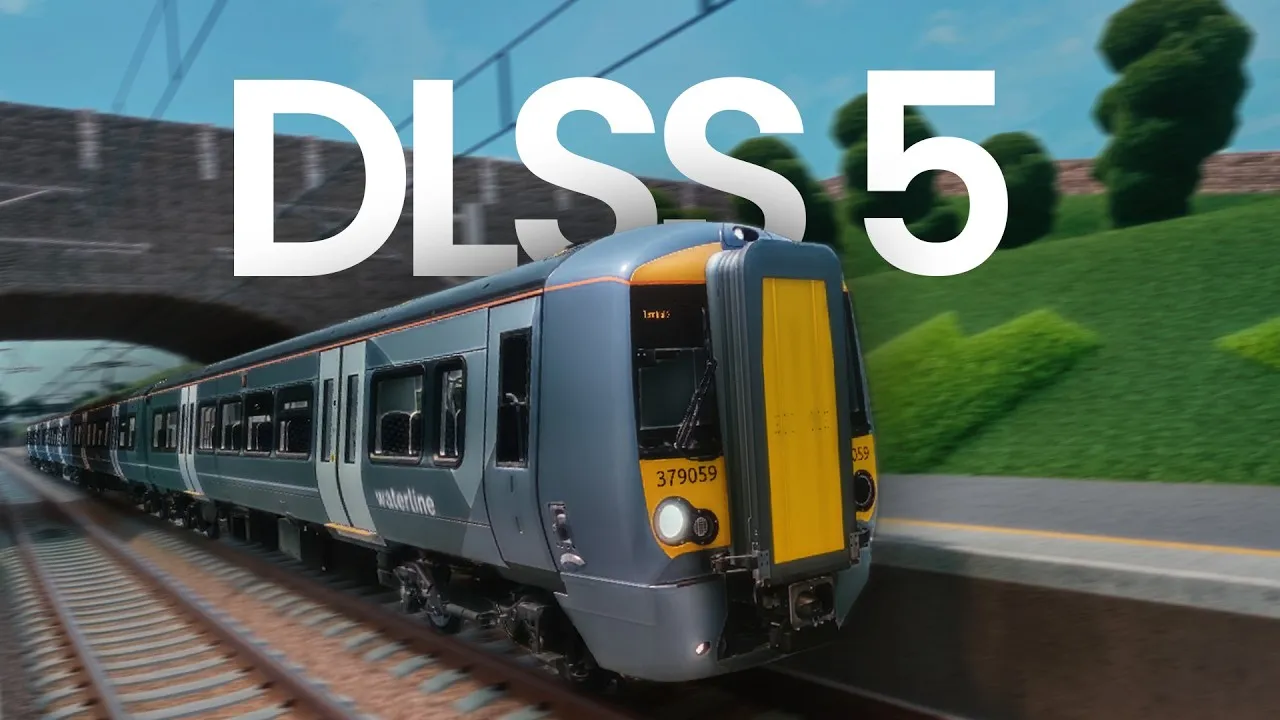 I tried DLSS 5 on Roblox (It's Insane)In_na
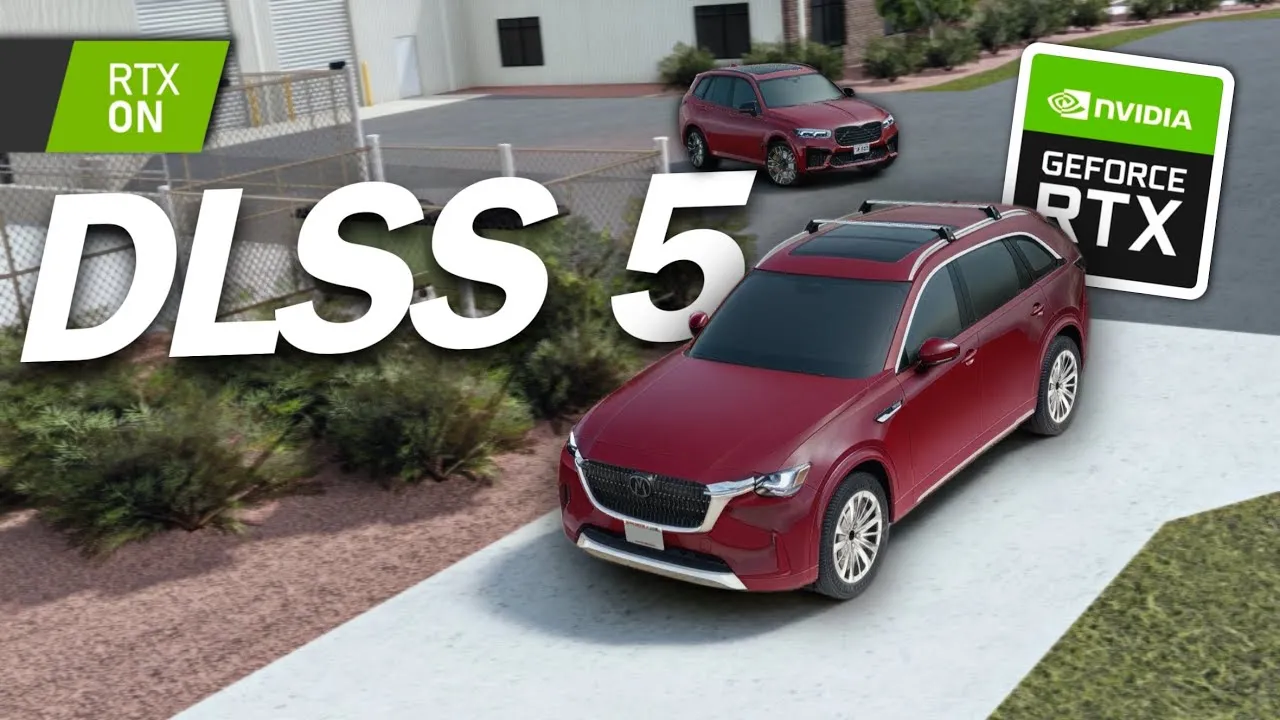 DLSS 5 on Roblox Greenville - Hmm… it’s weird! (Greenville Roblox)Car Boi
 I Tested DLSS 5 on Greenville Roblox (And It Looks Insane...)Blubber
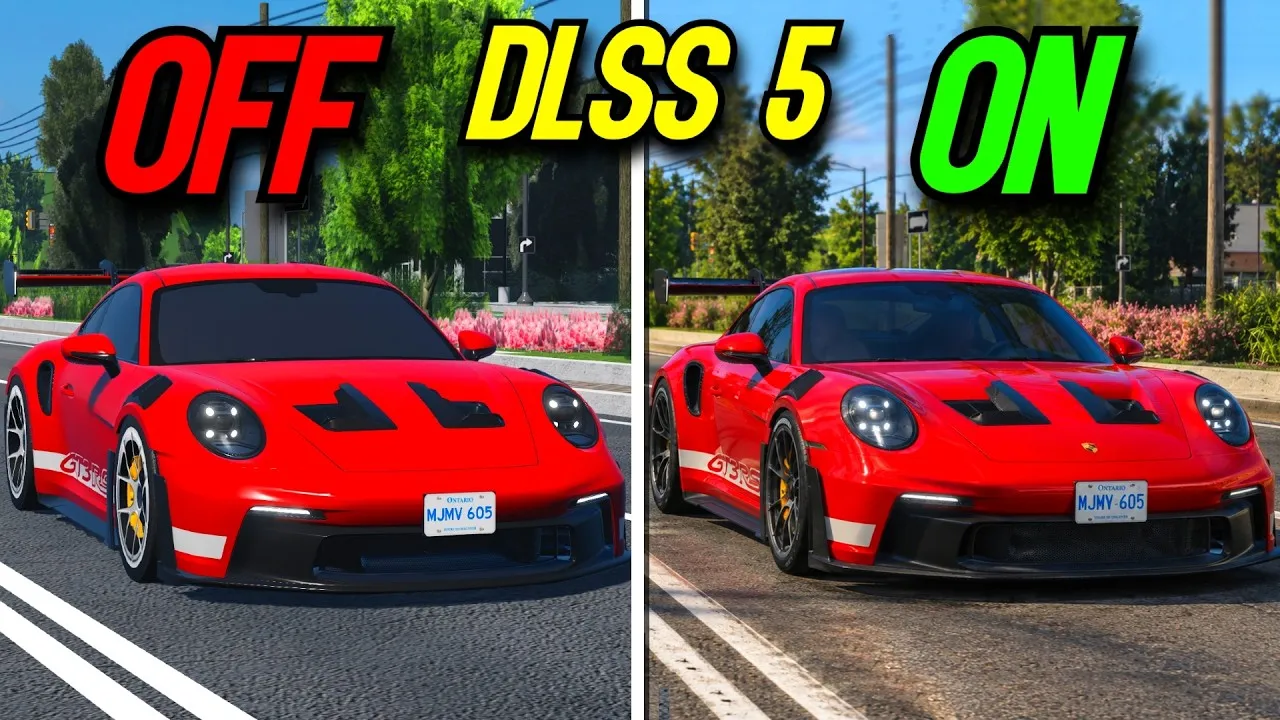 This Is What DLSS 5 Looks On ROBLOX!JoJewyd