
Install Unishade
You need 64-bit Windows 10 version 2004 or newer, or Windows 11. For a Mac or Linux, see macOS and Linux.
Run Setup
Download Setup and run it. Keep the suggested folder, %LOCALAPPDATA%\Programs\Unishade, or pick your own, as long as it isn’t inside a game’s folder.
Setup isn’t code-signed yet, so the first time Windows may say Windows protected your PC. Click More info, then Run anyway.
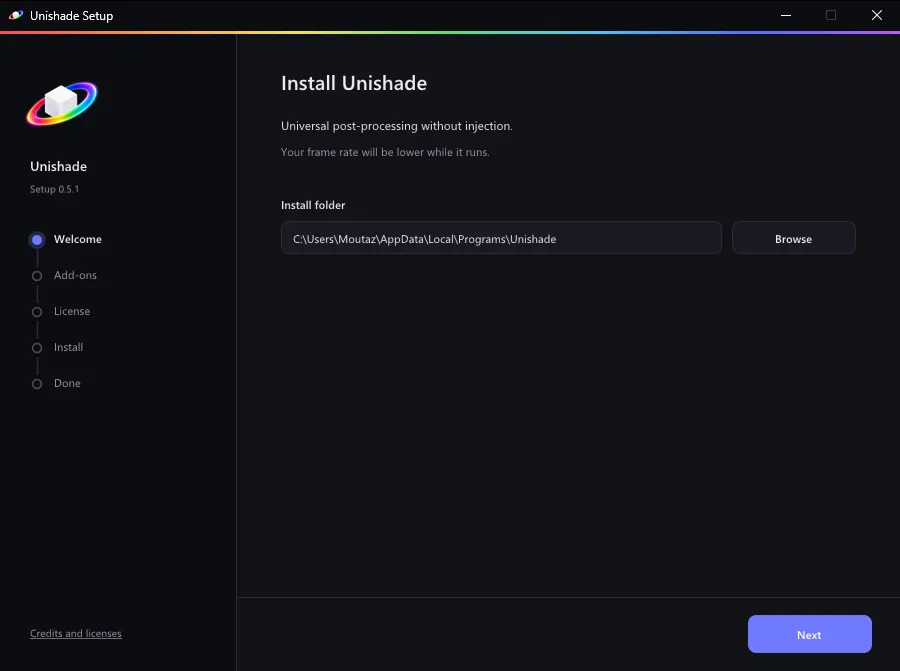
Pick add-ons
ReShade and every official ReShade effect are always included. Keep Presets on for ready-made looks.
Two add-ons are optional:
- Depth estimation makes ambient occlusion, depth of field and fog work. It costs some frame rate.
- DLSS5 needs an NVIDIA RTX card. See DLSS5 after installing.
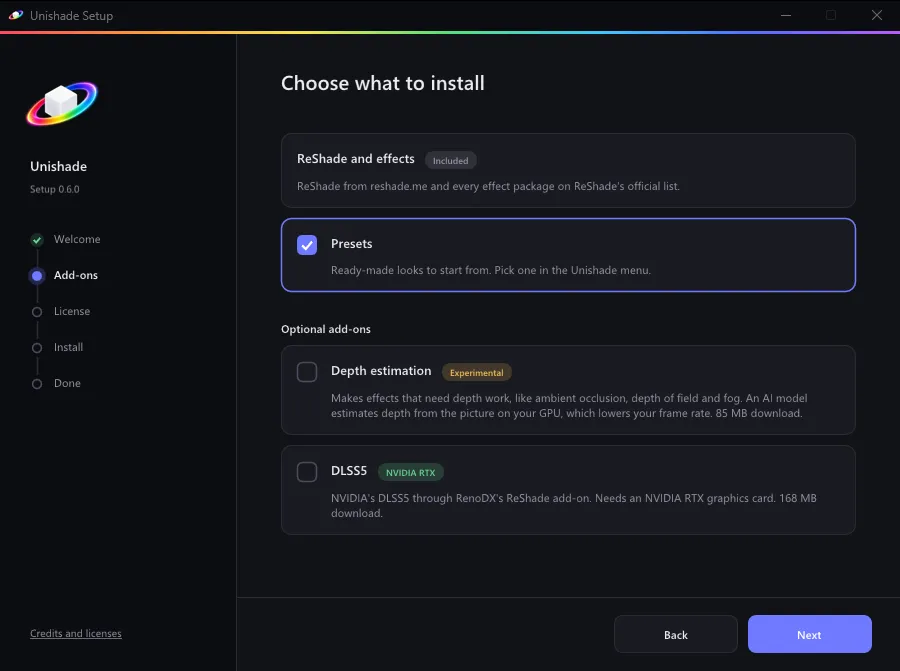
Accept ReShade’s license, and Setup downloads and installs everything.
Start Unishade
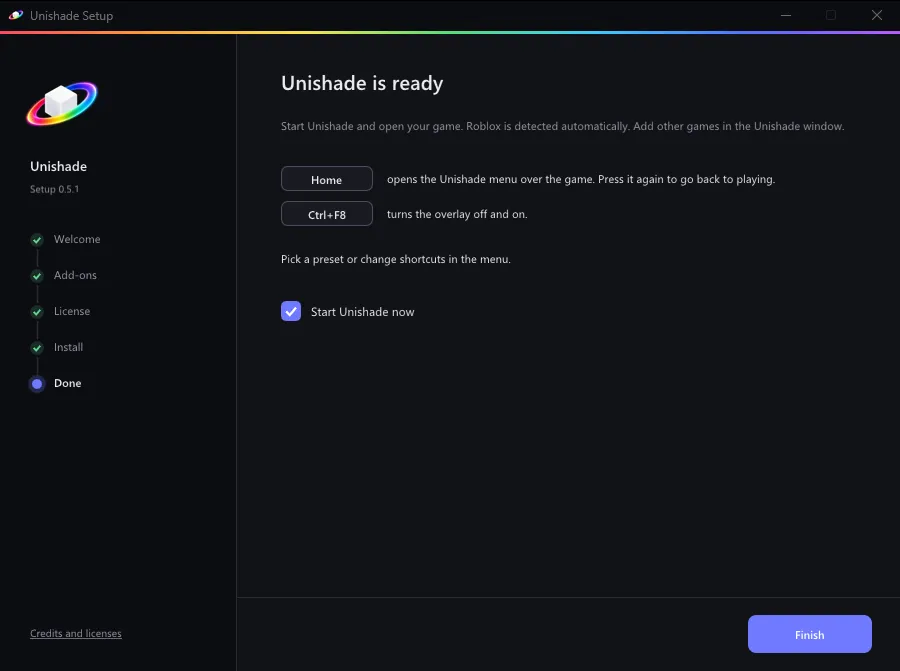
Leave Start Unishade now checked and click Finish. Next time, start Unishade from the Start menu.
Keep the Unishade window open while you play. Minimizing it is fine. Closing it turns Unishade off.
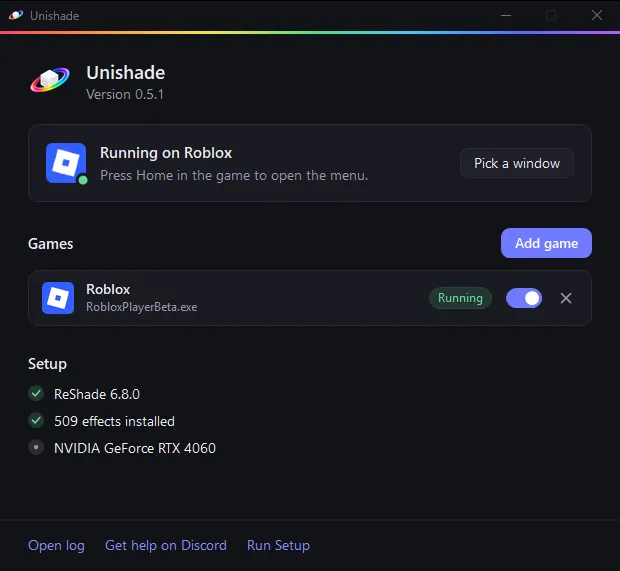
Next, add your game.
Updating
Only the newest version is supported. On Windows, the Unishade window and the menu’s Status tab link to a new version when one is out. If you’d rather check yourself, turn off Check for updates in the menu’s Settings. Run the new Setup and your presets, settings, shortcuts and games stay.
On macOS and Linux, Unishade doesn’t check for updates. Get new versions from the download page.
Coming from RobloxShadeHost
Unishade is RobloxShadeHost’s new name. Run Unishade Setup and it upgrades your install in place, presets and settings included.
If you installed without Setup, replace RobloxShadeHost.exe with Unishade.exe in the same folder and update your shortcut.
Uninstalling
Open Unishade Setup from the Start menu and choose Uninstall. Your presets, settings and games stay unless you tick the box to delete them.
Installing without Setup
- Put
Unishade.exefrom the download page in its own folder. - Run a current ReShade installer from reshade.me, the version with full add-on support. Pick
Unishade.exe, not the game, and DirectX 10/11/12. - Start
Unishade.exe.
The add-ons need Setup.
NextGames